AI VIRTUAL TRY-ON FOR SHOPIFY STORES
Let shoppers try it on before they buy it.
Add AI-powered virtual try-on to your store so shoppers can visualize products on themselves and shop with more confidence.
- ✓Free to install
- ✓10 free try-ons
- ✓No coding required
Includes 10 free try-ons
Before
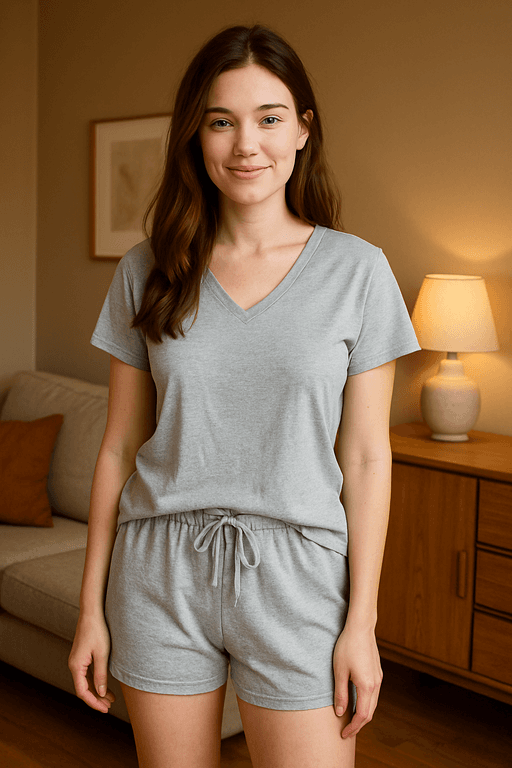
Shopper uploads a selfie in normal lighting.
After – AI try-on

"Looks perfect. Checkout."+ROI
Revolutionary UX without slowing your store
HOW IT WORKS
See Traion in action.
A quick look at how Traion works on a real product page.
Watch how the experience works from product page to try-on result
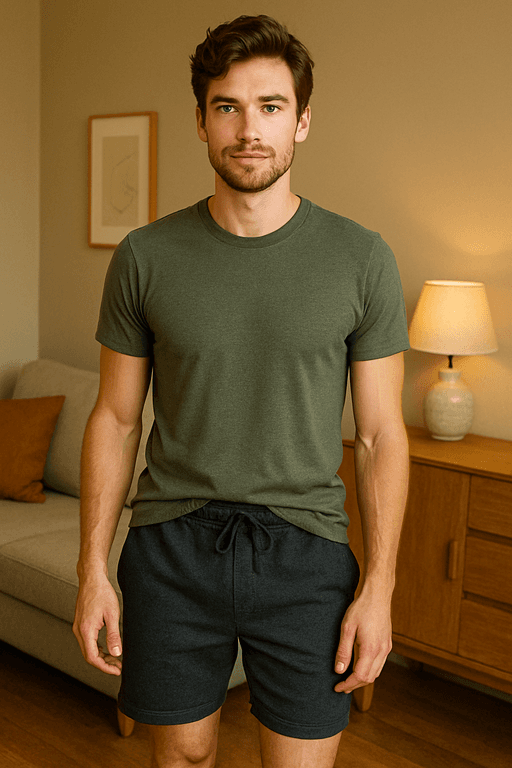

Streetwear fit preview
Hoodies, cargos, and sneakers previewed on real bodies instead of imagination.


Luxury dress try-on
Turn "I'm not sure this will suit me" into confident high-value purchases.


Modest & mixed styles
One engine for modest wear, streetwear, fitness and more — all in the same UX.
HOW IT WORKS
From product page to try-on result in three simple steps.
Shoppers tap Try Me, upload a photo, and see the try-on result right on your store.
Step 01 — Tap Try Me
Shoppers start right from the product page with a single tap.
Step 02 — Upload a photo
They snap a quick photo or choose one from their camera roll.
Step 03 — See the try-on result
They get a realistic preview of how the item may look on them, without leaving your store.
EASY SETUP
Set up Traion on your store in three simple steps.
Install the app, turn on the Try Me button, and match it to your store. No coding required.
01 — Install the app
Add Traion from the Shopify App Store and open the setup.
02 — Turn on the Try Me button
Follow the setup guide, switch on the Try Me button, and save.
03 — Match your store
Choose the button color and shape so it fits your store.
Includes 10 free try-ons
TRANSPARENT PRICING
Simple, flexible try-on packages.
Start with 10 free try-ons, then add more whenever your store needs them.
Starter
A simple way to start using virtual try-on on your store.
Growth
More try-ons at a lower cost as shopper activity grows.
Pro
The best per-try-on value for stores with higher usage.
All packages include the same Traion experience.
Includes 10 free try-ons
Refunds are available on eligible unused try-ons according to our Refund Policy.
COMMON QUESTIONS
Frequently Asked Questions
Everything you need to know about setting up and running Traion.
How does Traion.me work?
Traion.me adds virtual try-on directly to your product pages. Shoppers tap Try Me, upload or take a photo, and see a realistic try-on preview without leaving your store.
Do I need to edit my store code?
No. Traion.me guides you through setup step by step. Turn on the Try Me button, save your changes, then choose the button color and shape to match your store. No coding is required.
What happens after my 10 free try-ons are used?
Your store starts with 10 free try-ons. If automatic refills are on, 100 additional try-ons are added for $19 when your balance runs out, helping keep the experience available to shoppers without interruption. You can turn automatic refills off at any time in Traion.me settings.
Which products are supported?
Traion.me works well with a wide range of fashion products, including clothing, footwear, hats, and bags. Clear product photos with the item fully visible generally produce the best try-on results.
How long does a try-on take?
Try-on generation usually takes only a short time. Shoppers see a progress indicator inside the try-on experience while their result is being generated.
Can I change my try-on package?
Yes. You can choose a different package whenever your store needs change. Billing is handled through Shopify, and your selected package remains in place until you change it.
Can I temporarily turn Traion.me off?
Yes. You can switch the Try Me button off at any time from your store settings. The button disappears from your product pages until you turn it back on.
How does the 30-day money-back guarantee work?
If Traion.me isn’t right for your store, contact us at refund@traion.me within 30 days of an eligible purchase. Refunds apply to unused try-ons according to our Refund Policy.
GET STARTED TODAY
Ready to let shoppers try before they buy?
Start with 10 free try-ons and let shoppers experience virtual try-on on your store.